

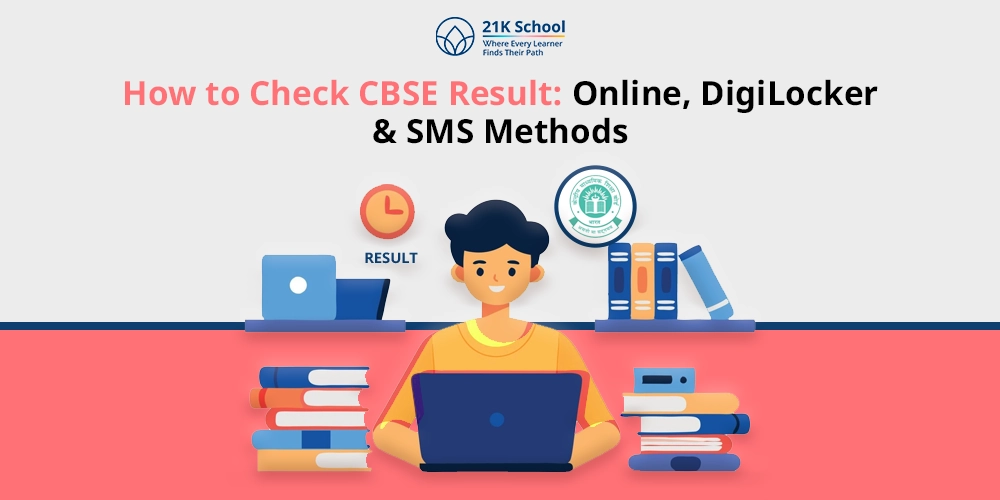
The result of the Central Board of Secondary Education (CBSE) is a mandatory step that students take to determine their performance. CBSE posts results online under Class 10 and Class 12 so that students can access results easily with the help of roll number, school code and date of birth.
Having the right procedure is a guarantee that one can retrieve marks correctly, will not be confused, and can plan on how to proceed with future studies, better exams, or even career choices.
Contents
How to Check the CBSE Result?
Checking CBSE exam results is necessary to understand students’ academic performance
Class 10 and 12 results can be found online, and when one has the right details, it provides the right marks, eliminates mistakes and also allows the person to plan further studies or examinations.
Through the Online Method
1. Visit the Official CBSE Result Website
Go to the official portal of CBSE results with a secure browser. By utilising the official site, you are sure to get real and true results without falling into the traps of fake sites or inaccurate information that can be encountered on other sites.
2. Click on CBSE Class 10 Result 2026 or CBSE Class 12 Result 2026
Once you have been to the site, find the link that is suited to your class and year. The right link will make sure that your system loads your relevant results, be it Class 10 or Class 12 students and not some other results.
3. Enter Details
Next, students will be asked to add their details, e.g. Roll Number, School Number, Admit Card ID, and Date of Birth. Then, complete all the information to rule out any false information.
4. Click on Submit
When the required information has been obtained, press the submit button. Must ensure that the system verifies your information and prompts you to give the answer.
5. Download and Print Your Result
After getting your result, you will be asked to save a copy of your result as a digital file by clicking on Download and Print a copy of your result to make personal or academic use of your result.
Through Digilocker
1. Visit the DigiLocker Website or App
Visit the official DigiLocker site or install the mobile app on your phone. CBSE academic reports can be viewed as authentic and safe due to the services of DigiLocker, specifically, a secure site that is offered by the Government of India to access digital certificates and marksheets.
2. Sign in Using your Mobile Number
Create a DigiLocker account with the mobile number registered on your account. You will receive an OTP (one-time password) that will prove that you are who you are. Signing in will make sure that authorised students will be able to access their CBSE documents only, and safely as well.
3. Select CBSE Documents
Upon signing in, go to the CBSE documents page. All the official certificates, such as marksheets, migration certificates and other CBSE-related documents, are present in this section in digital format.
4. Enter Required Details
Enter all the necessary information, i.e. roll number, school number, class and year of examination, just as it is in your admit card. The correct digital marksheet can only be retrieved with correct information and without any errors or mismatches.
5. Download Digital Marksheet
Once your details are checked, you will see your digital marksheet on the screen. Click Download to store it on your computer. It can also be printed when necessary. This online version is not only valid but it is recognised as an official CBSE certificate.
Through SMS Services
1. Open Messaging App
Send an SMS by all means through your mobile phone messaging app. This will enable you to check your CBSE result without having any internet connection.
2. Type New Message
Enter the message in the correct format for Class 10 [CBSE10 <roll number> <school number>] and for Class 12 [CBSE12 <roll number> <school number>]
3. Send
Text the information to 7738299899, the official result number of CBSE. To have your request come through and be taken by the CBSE server, you need to use the correct number.
4. Receive Result via SMS
Wait to receive a reply after forwarding. Your marks, total score and pass/fail will be included in the SMS, which will be viewed as an easy way of checking your results immediately.
Through the UMANG App
1. Download the UMANG App
Install the UMANG app either in the Google Play Store or the Apple App Store. UMANG is a government-sponsored mobile service that gives access to a number of services that are offered by the government, including CBSE results. Your academic records are secure and authentic with the help of the official app.
2. Search for CBSE Services
CBSE can be used as a search term in order to locate the services of UMANG. The choices that are available in this section are checking the results, digital certification and other CBSE academic materials, which directs the students to the service they want without necessarily being bewildered as to which one to open.
3. Enter Roll Number and Required Details
Enter roll number, school number, admit card ID and date of birth appropriately. That is why you have to insert the correct information in the system; otherwise, only in this case will the system realise your record and indicate the correct CBSE result, without any errors or erroneous information.
4. View and Download the Result
Once you have entered your details, your CBSE result will be revealed on the screen. You are able to see your marks and save the result to refer to later. The copy downloaded can be printed or stored digitally to be used in admissions and official purposes.
By Visiting School
Students will also be able to check their CBSE results using their school. Once the results are announced, schools get official marksheets and result data from CBSE. The students are allowed to demand their result or marksheet either from the teacher or the school administration.
It is necessary to make sure that all the personal information, marks, and grades are correct. A school issues the official CBSE marksheet after the confirmation is made, and this can be used to make admissions, follow-up studies and other official purposes.
Details Required to Check CBSE Result
CBSE scores are verifiable through the internet, through DigiLocker, UMANG application, SMS or at the school. A student can easily retrieve his or her results that are important and that are achieved by using the right details.
1. Roll Number
Roll number is a unique number that is assigned to every student taking the exams with CBSE. It ensures that your personal record is accessed by the system.
2. School Number
CBSE sets the school number on each of the registering institutions. This number helps the system cross-check your roll number against your school’s database. Once the system shows the results by getting to the appropriate student record.
3. Admit Card ID
The admit card also contains the admit card ID that is printed and acts as a check. Through typing, the results of the CBSE are only visible to the authorised student, and this is deemed to be safe and genuine.
4. Date of Birth
The date of birth you registered with CBSE is usually in DD/MM/YYYY format. This verifies your identity, and there will be no illegal entry, so the result that it will demonstrate is that of the right student.
Conclusion
CBSE results checking is not a tedious task, whether checking through the internet using DigiLocker or UMANG application, a student must fill his/her valid details, such as roll number, school number, admit card ID and date of birth, etc., to see his/her marks.
The right procedure will lead to the real outcome in which the students will be able to download, save or print out their marksheets and proceed with their further studies, verify or certify their performance. These methods ensure students can access their results safely and easily.

You may also want to read