
Inside the Garage, Every Area Is Organised Around Making
Learners move from an idea to a working demonstration using shared tools, adaptable build spaces and instructor guidance.




The build table is where ideas become testable
A learner arrives, begins with the selected module and spends most of the session creating and problem-solving.
The instructor introduces the concept and safe use of the tools. The learner then assembles, programmes, models or tests. The session closes with a demonstration or explanation of what worked, what changed and what comes next.
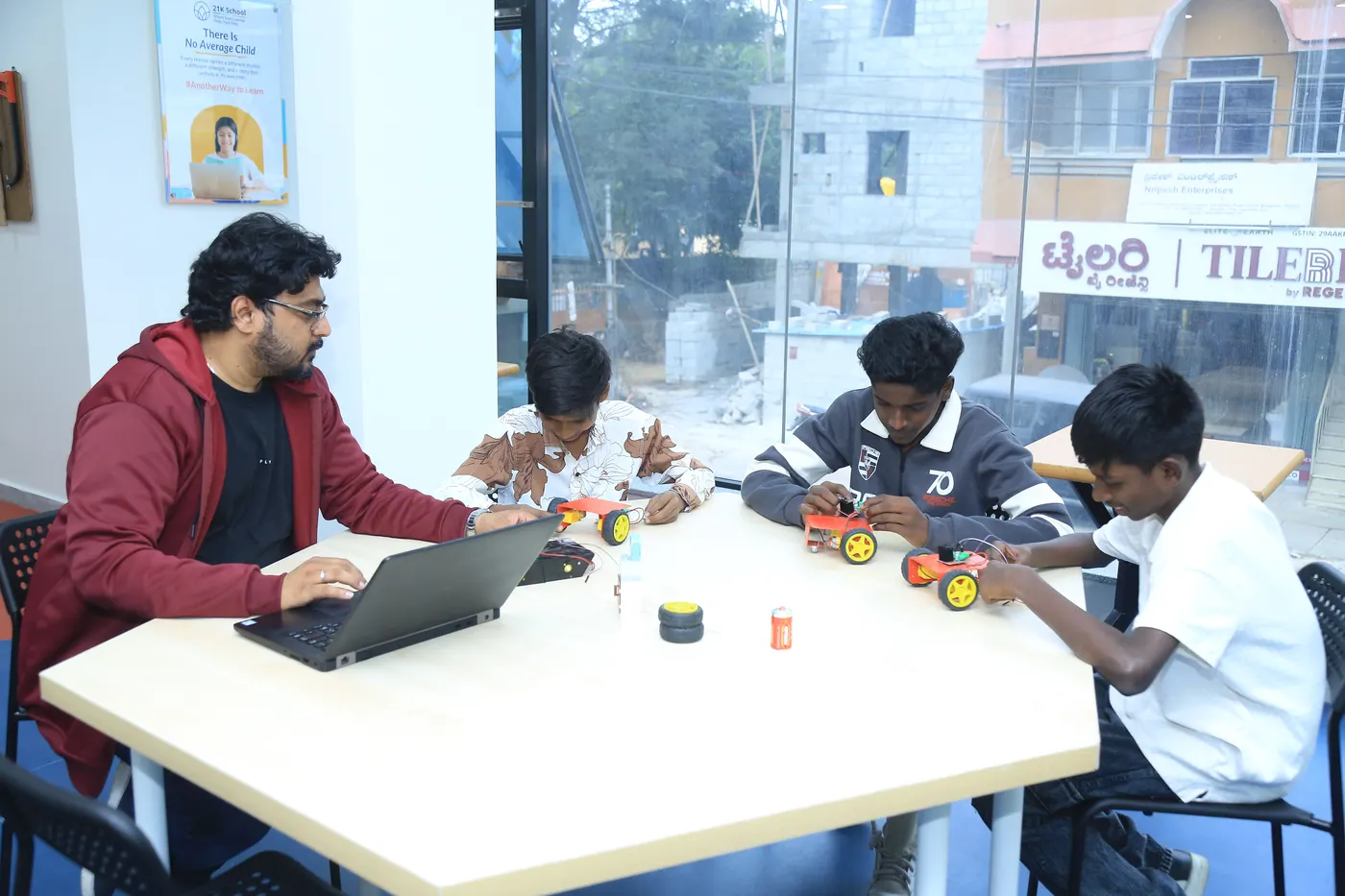
Each zone supports a different part of the project
The zones are practical working areas rather than separate classrooms divided by age.
The Robotics zone includes programmable kits, motors, sensors and controllers. The Electronics zone includes microcontrollers, breadboards, LEDs, displays, wires and components. Coding and AI + IoT work uses laptops, programming environments, boards, sensors, cameras and relevant software.
The Design area includes CAD and modelling tools, slicing software, 3D printers and filament. Showcase equipment supports demonstrations. Parent workspaces provide seating, Wi-Fi and charging points.
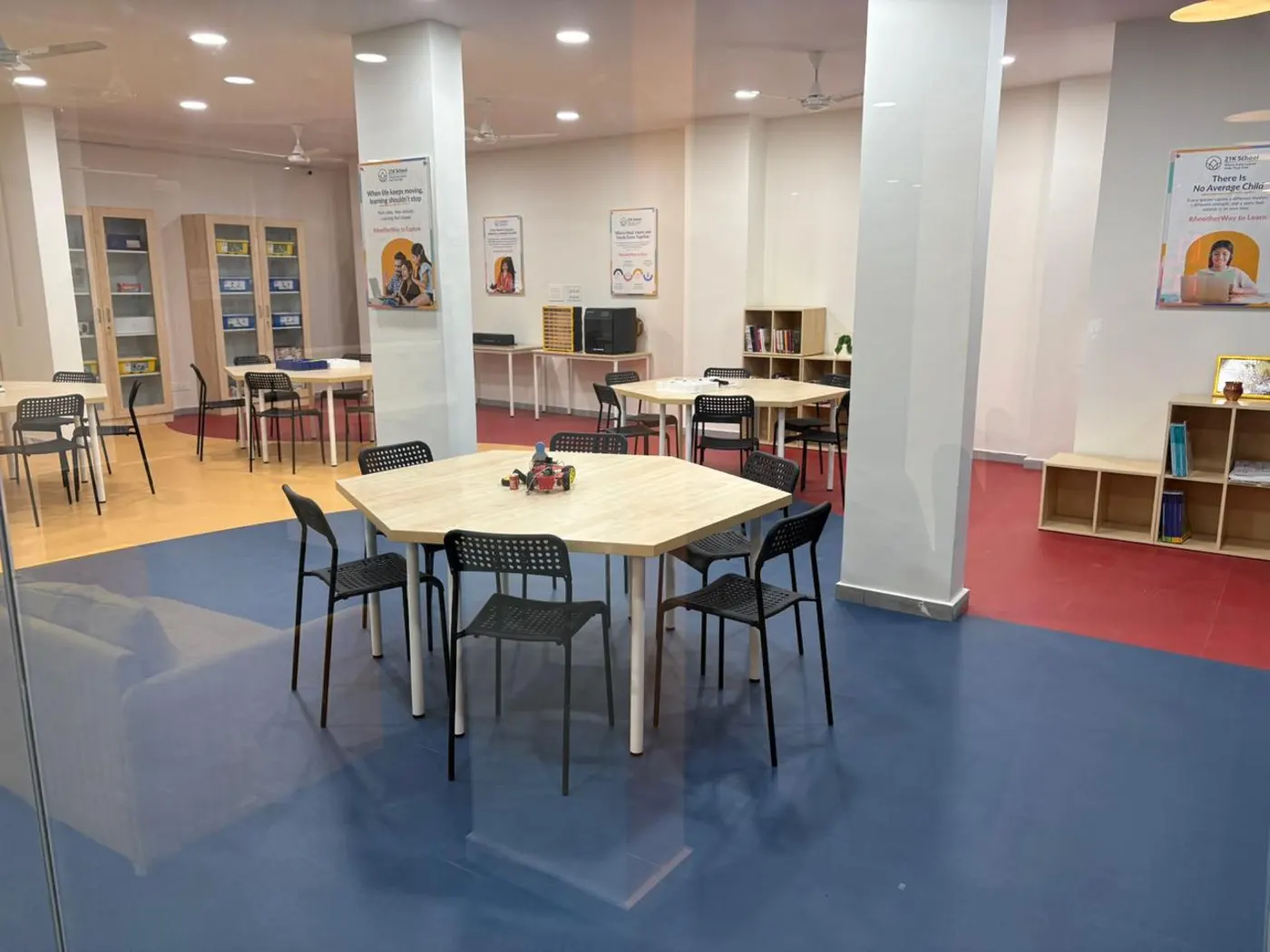
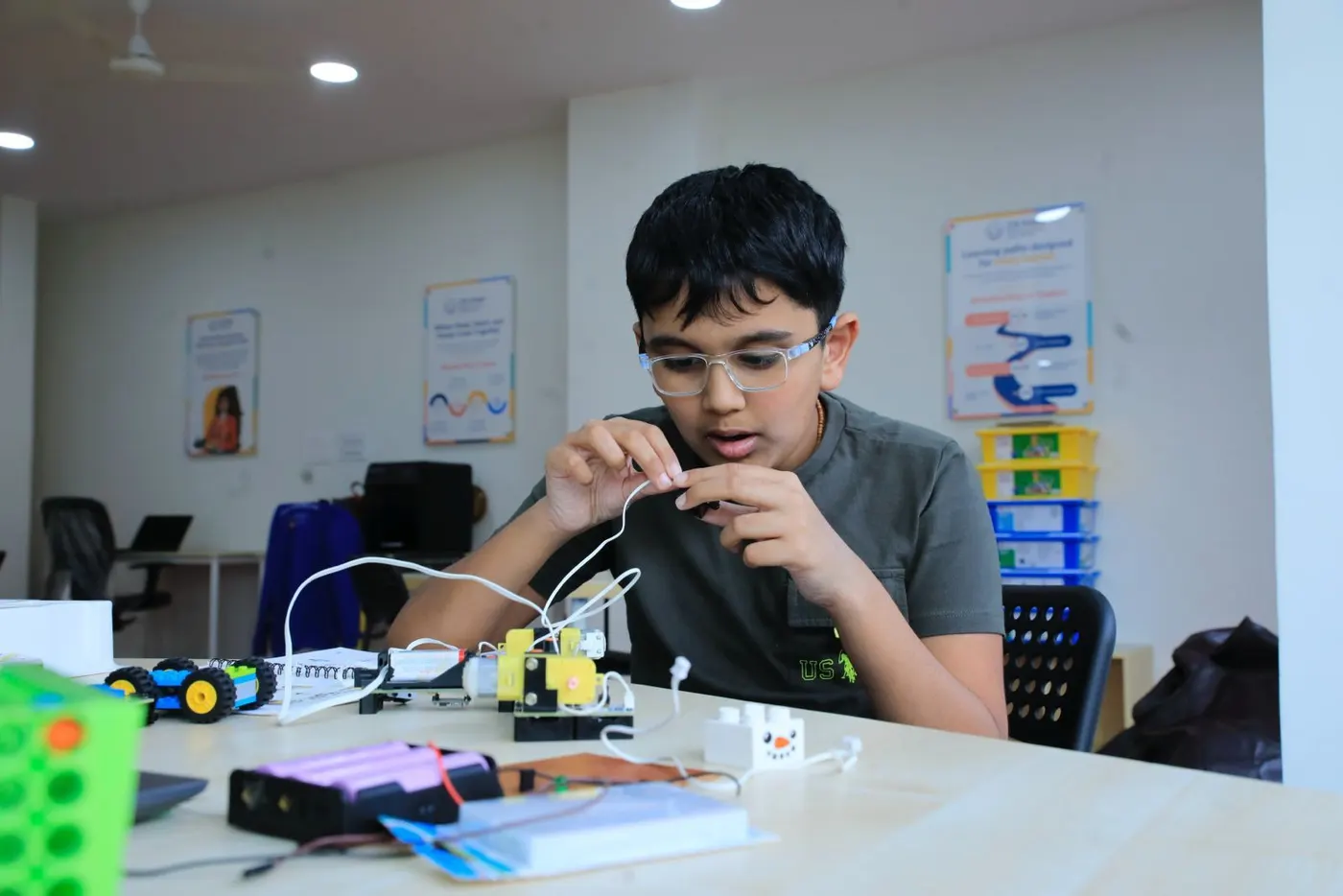
Tools are shared, while projects remain learner-owned
The learner makes the decisions; the Garage provides the equipment and safe operating process.
Parents may observe sessions. Projects can be stored at the centre on request or dismantled after a session so materials can be reused. Learners retain permitted digital files, project documentation and their certificate after the applicable completion requirements.
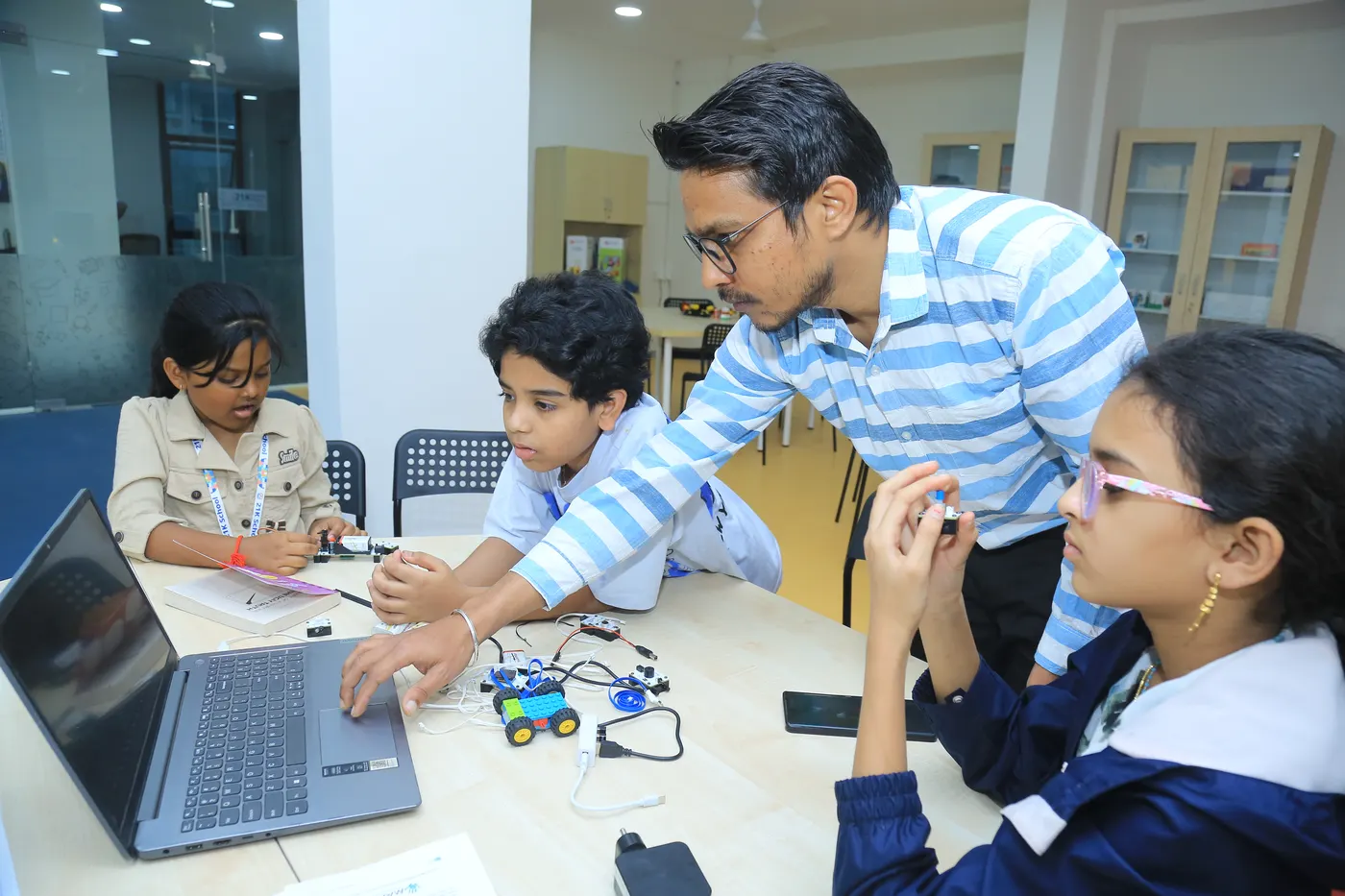
The space adapts across ages and pathways
Multi-use work areas support different project types without placing every age group in a separate room.
Instructors adapt tasks, tool access and guidance to each learner. Higher-risk equipment remains facilitator-operated or supervised. Parent workspaces, Wi-Fi, washrooms and waiting areas are available across centres.
Questions parents ask
Direct answers to common questions before you visit.
Can parents watch a session?
Yes. Parents may observe, subject to the centre’s space and session arrangements.
Where are unfinished projects kept?
A project may be stored at the centre when requested and practical. Otherwise, it may be dismantled after the session so shared materials can be reused.
Are all tools available at every centre?
Centres follow the same curriculum and standard tool categories. Equipment models and capabilities may vary by location, including 3D-printer colour capability.