
Ages 8 to 12: Ideas Become Systems Learners Can Build and Debug
Learners begin linking mechanics, code, design and electronics through projects with visible results and increasing independence.
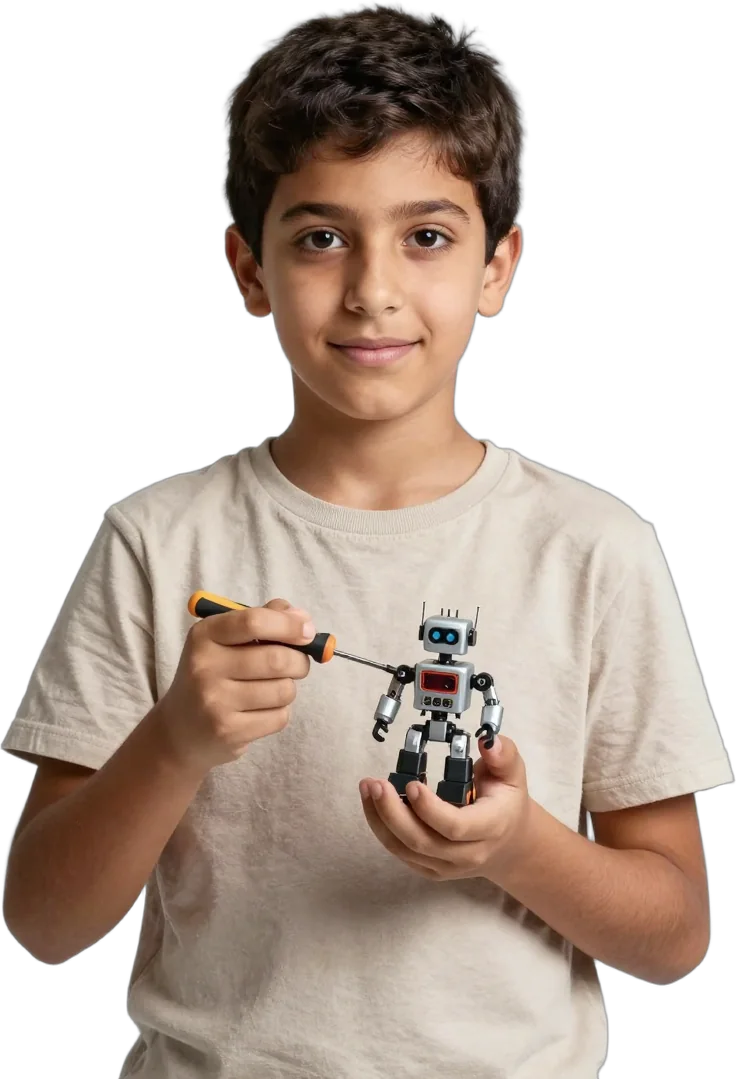



This age range supports breadth before specialisation
Learners can sample all five pathways, then deepen the interest that holds their attention.
The Garage team uses a parent-and-learner conversation to understand prior exposure and choose Starter, Explorer or Builder. Age 8 and age 12 appear in adjacent browsing groups because the final decision follows readiness rather than a strict cut-off.
Robotics and coding make logic immediately visible
A robot moves because of a programme; a game responds because its logic works.
Robotics + Design may progress from LEGO SPIKE Essential to LEGO SPIKE Prime, with Tinkercad used to model parts or products. Coding + Gaming can move from Scratch into HTML and CSS, while game tools help learners apply loops, conditions, variables, scoring and interaction.
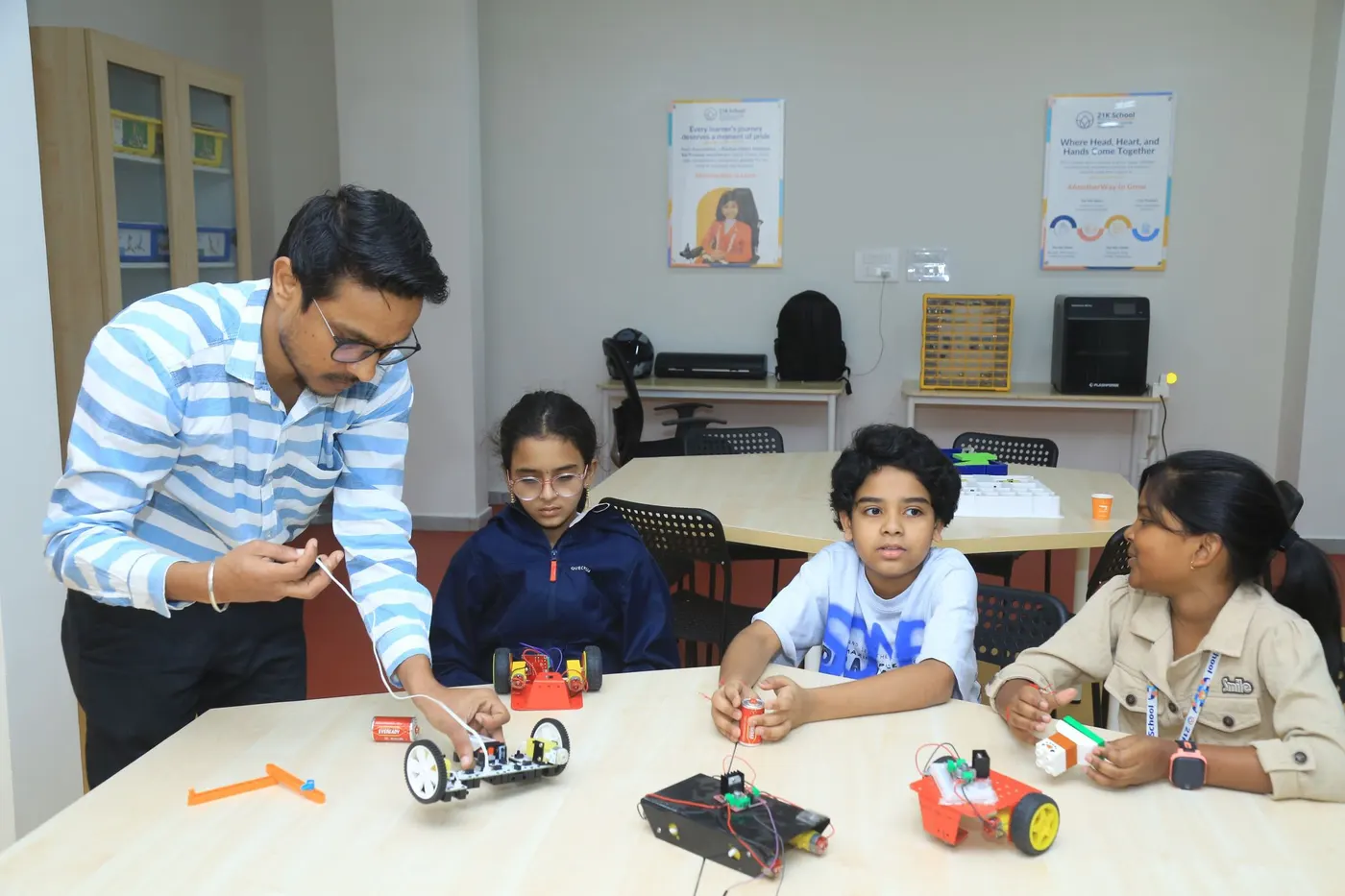
Electronics and AI + IoT connect code with the physical world
Learners see how circuits, sensors, data and software work together.
Electronics may begin with LEDs, resistors, capacitors, motors and sensors before moving into timers, logic gates, alarms and first Arduino Uno builds. AI + IoT may use Teachable Machine, Cognimates, Edublocks, micro:bit and connected-device projects such as a remote-controlled fan or simple automation.
Projects become proof of understanding
A working outcome matters because the learner can explain, test and improve it.
Instructors observe how independently the learner can plan, assemble, programme and troubleshoot. Starter covers 6 sessions, Explorer 12 and Builder 24. A learner with prior experience may begin above Starter after the eligibility conversation.
Capstone + Tinkering becomes relevant when the learner can use familiar tools without a fixed set of instructions. The team helps scope the challenge while the learner retains ownership of the decisions.
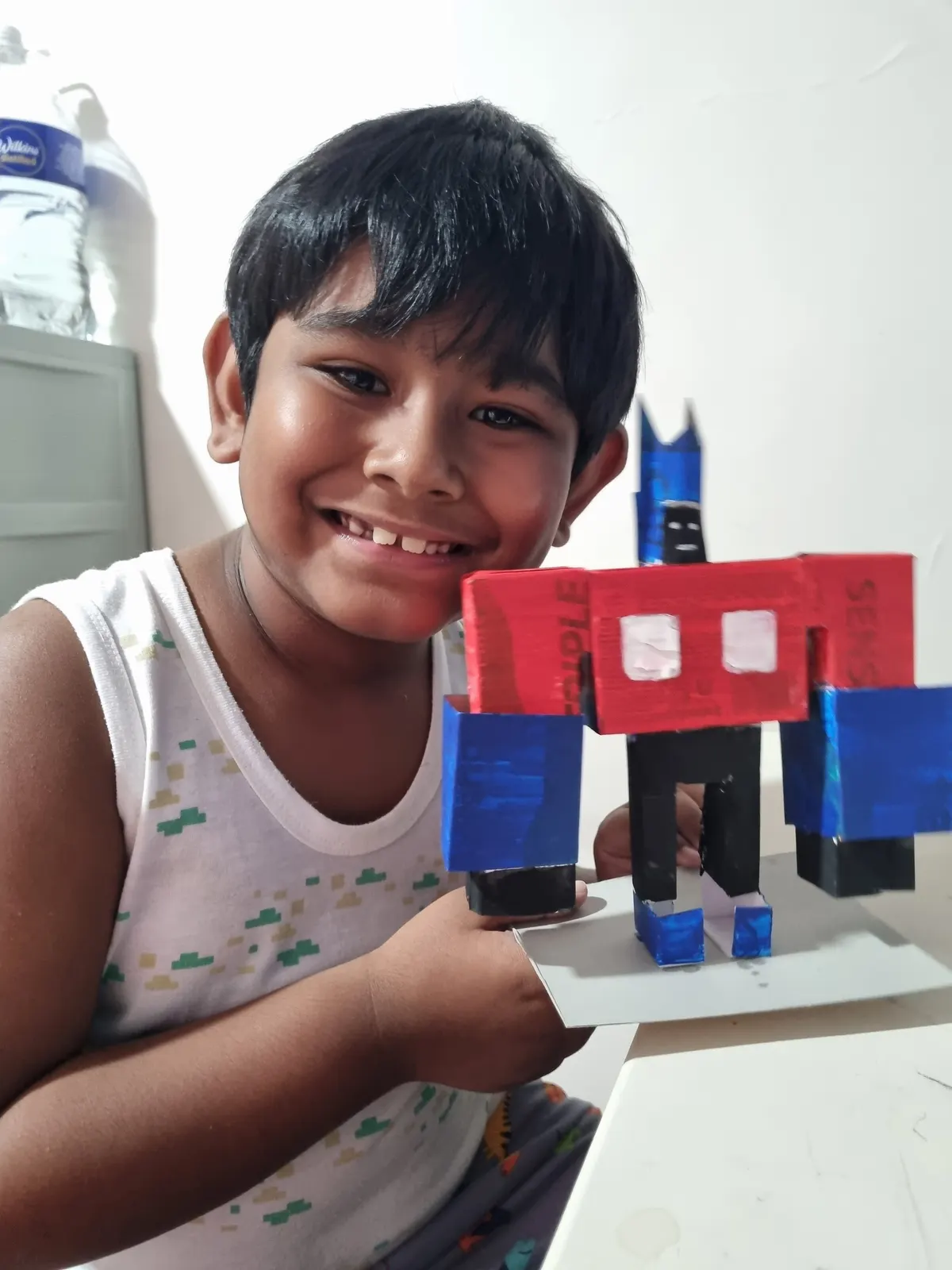
Tools and device requirements are confirmed before booking
The Garage provides curriculum-defined kits and materials; some digital pathways require a laptop.
A laptop may be required for Coding, Gaming, AI and some Design work. Higher-risk equipment remains supervised. Shared kits and most physical projects stay at the centre, while permitted files and project documentation can be retained.
Questions parents ask
Direct answers to common questions before you book.
Must every learner start at Starter?
No. Prior exposure and demonstrated understanding may support entry at Explorer or Builder after the team speaks with the learner and parent.
Can one learner combine different pathways?
Yes. A pass can be used across interests within its validity, and a project may combine Robotics, Design, Coding, Electronics or AI + IoT when the module is suitable.
Does my child need a laptop?
A laptop may be needed for Coding, Gaming, AI and some Design sessions. The booking confirmation states what to bring.
Why is age 12 included in two groups?
The overlap reflects readiness. The team recommends the more suitable level and project instead of applying a rigid age boundary.