
Browse by Age, Choose by Readiness
Three overlapping age guides help families see what learning may look like now and what it can grow into. Every learner still begins with an interest-and-readiness conversation before a pathway, module and level are recommended.
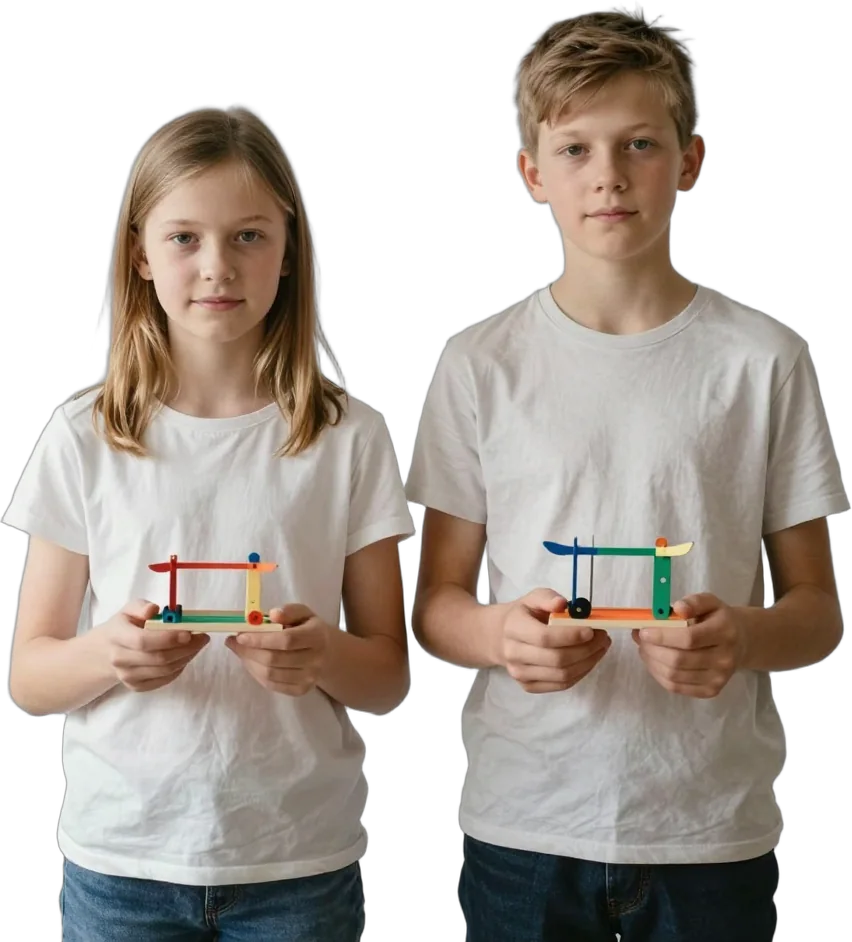



Age is a starting point, not a ceiling
Learning Garage is an in-person, hands-on programme for learners aged 5 to 18. The curriculum is organised across five pathways: Robotics + Design, Coding + Gaming, Electronics, AI + IoT, and Capstone + Tinkering.
The age groups overlap intentionally at 8 and 12. Two learners of the same age may have different experience, confidence, fine-motor control, reading ability, device familiarity and appetite for challenge. The Garage team therefore uses age to help families browse, then considers prior exposure, demonstrated understanding and the kind of project the learner wants to build.
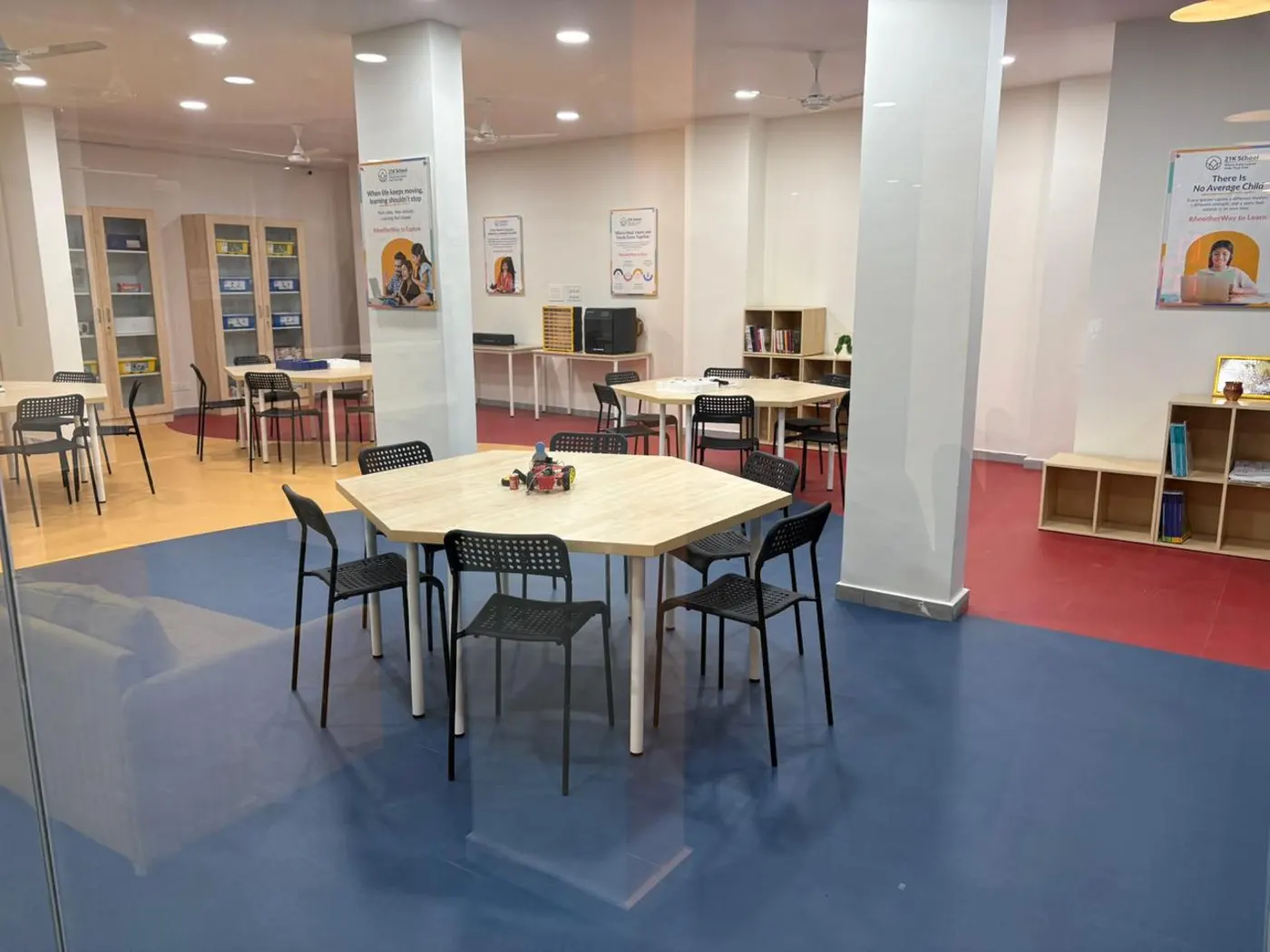
Module map at a glance
The examples below show likely directions, not a fixed sequence or a promise that every module is available in every slot.
| Age guide | Learning focus | Illustrative module directions |
|---|---|---|
| Ages 5 to 8 | Learning focusVisible outcomes, guided choices, cause and effect, early logic and safe tool habits. | Illustrative module directionsSimple moving builds, Scratch games, visible LED and sensor circuits, introductory AI recognition activities, basic Tinkercad models and guided tinkering. |
| Ages 8 to 12 | Learning focusConnecting mechanics, code, circuits and design; testing, debugging and explaining how a system works. | Illustrative module directionsLEGO SPIKE projects, games and web foundations, alarms and first Arduino builds, AI or connected-device applications, and increasingly open-ended prototypes. |
| Ages 12 to 18 | Learning focusDeeper technical fluency, independent planning, advanced tools and cross-pathway project ownership. | Illustrative module directionsAutonomous robotics, Python and game engines, advanced electronics and PCB workflows, AI + IoT applications, Blender modelling and optional Capstones. |
Ages 5 to 8
Younger learners begin with projects they can see, move, play or explain. Instructors model the safe first steps, keep the challenge manageable and offer meaningful choices. The session remains structured even when the work feels playful.
Robotics + Design: build simple mechanisms with LEGO SPIKE Essential and explore basic forms in Tinkercad. Projects may include rides, moving models, games, keychains or other simple objects.
Coding + Gaming: use Scratch to understand sequencing, events, motion, conditions, loops, variables and scoring through a first playable game.
Electronics: make circuits visible with LEDs, switches, motors and simple sensors, then observe how changing a component or connection changes the result.
AI + IoT: explore inputs and responses through age-appropriate tools such as Code.org, Teachable Machine or simple connected-device demonstrations. The focus is not generative AI.
Capstone + Tinkering: take on guided, open-ended challenges using familiar tools. A formal Capstone is considered later, when the learner is ready to plan and sustain a larger project.
Ages 8 to 12
This is often a strong stage for breadth. Learners can sample all five pathways, connect several ideas into one working system and begin taking more responsibility for testing and debugging.
Robotics + Design: progress from LEGO SPIKE Essential towards SPIKE Prime, while using Tinkercad to model parts or products that support a build.
Coding + Gaming: deepen Scratch logic and, when ready, move towards HTML, CSS, PictoBlox, MIT App Inventor or other development tools.
Electronics: move from components and sensors into timers, logic gates, alarms, Cretile projects and first Arduino Uno circuits.
AI + IoT: explore image, voice or gesture recognition; translation and text-to-speech; micro:bit; connected controls; and simple automation.
Capstone + Tinkering: use known tools with fewer fixed instructions, combine pathways when useful and document what was tested, changed and learned.
Ages 12 to 18
Older learners may start as complete beginners or enter at a higher level when prior experience supports it. Projects can demand greater technical depth, judgement, documentation and independent decision-making, while safety supervision remains in place.
Robotics + Design: work may extend to Avishkaar and Arduino-based mobile robots, obstacle avoidance, line following, Bluetooth control, robotic grippers and more independent Blender modelling.
Coding + Gaming: progress through HTML, CSS, Python and object-oriented ideas, or use GDevelop, Pygame and computer-vision inputs to build more complete games.
Electronics: advanced work may include Arduino systems, soldering, zero-PCB construction and PCB design in KiCad. Soldering and PCB work have a recommended minimum age of 13 and require a readiness check and close supervision.
AI + IoT: combine trained models, applications, sensors and connected hardware in automation, security, monitoring or smart-device prototypes, with attention to privacy and responsible use.
Capstone + Tinkering: define a problem, research and plan an approach, build, code, test, debug, improve and present an original cross-pathway project.
Three levels show progression
The levels describe increasing technical complexity and independence rather than age or school grade.
Starter - 6 sessions: foundations, guided builds and confidence with essential concepts and tools.
Explorer - 12 sessions: applied skills, iterative challenges and more complex projects.
Builder - 24 sessions: integrated systems, advanced tools and increasingly independent builds.
A learner with relevant prior experience may begin above Starter after the eligibility conversation. Unused sessions may be used across pathways and centres within the pass validity, subject to a suitable module, available equipment and a live slot.
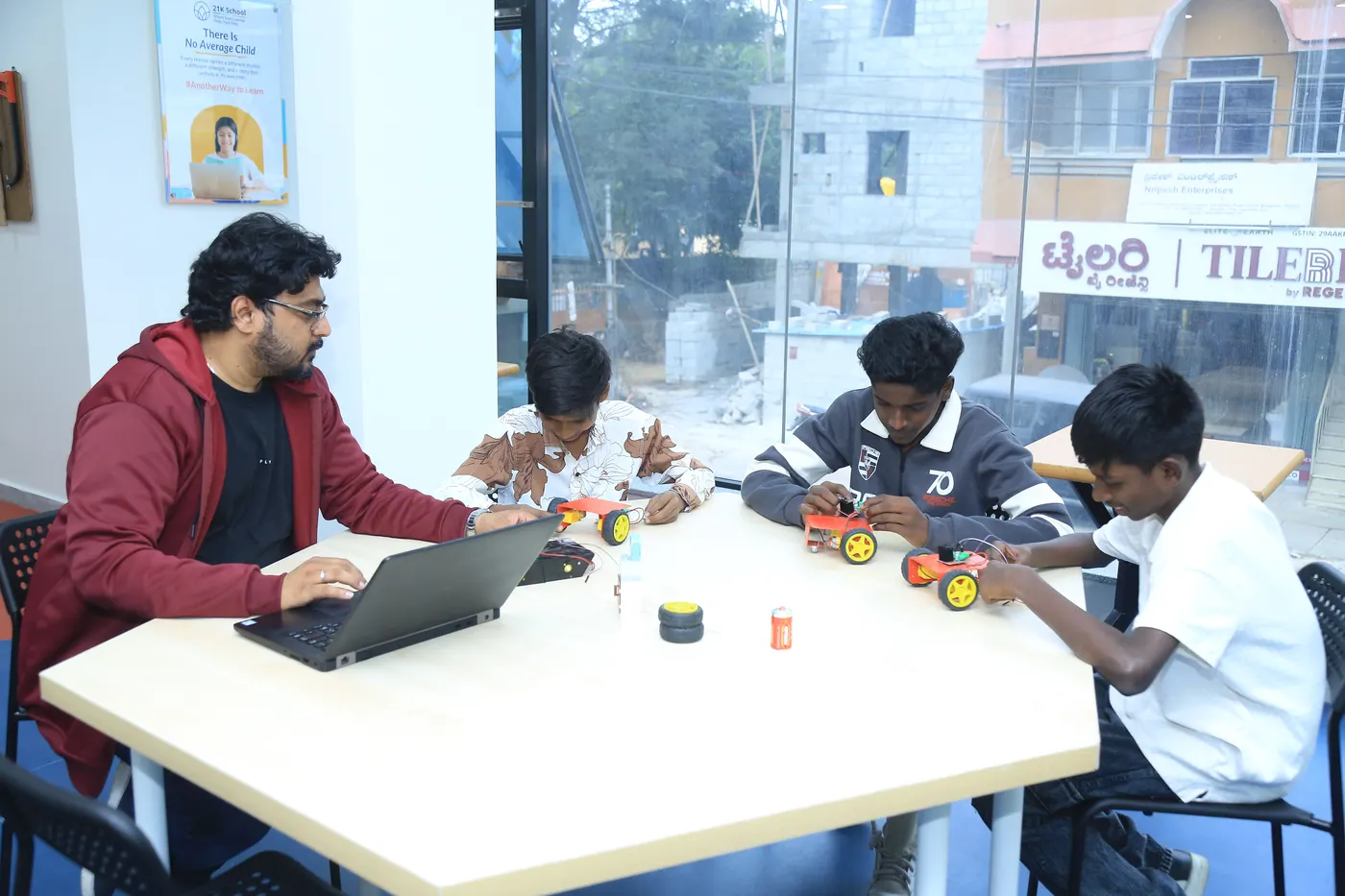
Before you book
Every standard session lasts 90 minutes. Learning Garage provides curriculum-defined kits, electronics, robotics parts and standard project materials. Coding, Gaming, AI and some Design modules may require a laptop; the booking confirmation will explain what to bring. Shared kits and most physical builds remain at the centre, while eligible digital files and project documentation may be retained.
The same five-pathway curriculum and three levels guide every centre. The exact project, toolset and module available at a particular time can still vary by learner readiness, centre schedule, equipment and safety requirements.
- Minutes in Every Standard Session
- 90
Questions parents ask
Are the three age groups strict?
No. They are browsing guides. The Garage team recommends a pathway, module and level after speaking with the learner and parent.
Why do ages 8 and 12 appear in two groups?
The overlap is deliberate. Readiness does not change on a birthday, so either adjacent age page may be the better guide.
Can a complete beginner join any age group?
Yes. Starter is designed to build foundations. A learner with relevant prior experience may be considered for Explorer or Builder.
Are all five pathways available to every age group?
They can be introduced in age-adjusted forms across the overall 5 to 18 range. Tool access, project complexity and independence change with readiness and safety requirements.