
AI + IoT: Sense, Decide and Respond
Learners explore how data, intelligent models, sensors and connected devices can work together in interactive systems.




Why combine AI and IoT?
AI helps a system interpret information; IoT gives that system a way to sense or act in the physical world.
Together, they make abstract technology concrete. A learner can see how an input is captured, how a rule or model interprets it and how an output responds. The pathway emphasises responsible use, testing and clear explanations rather than treating technology as magic.
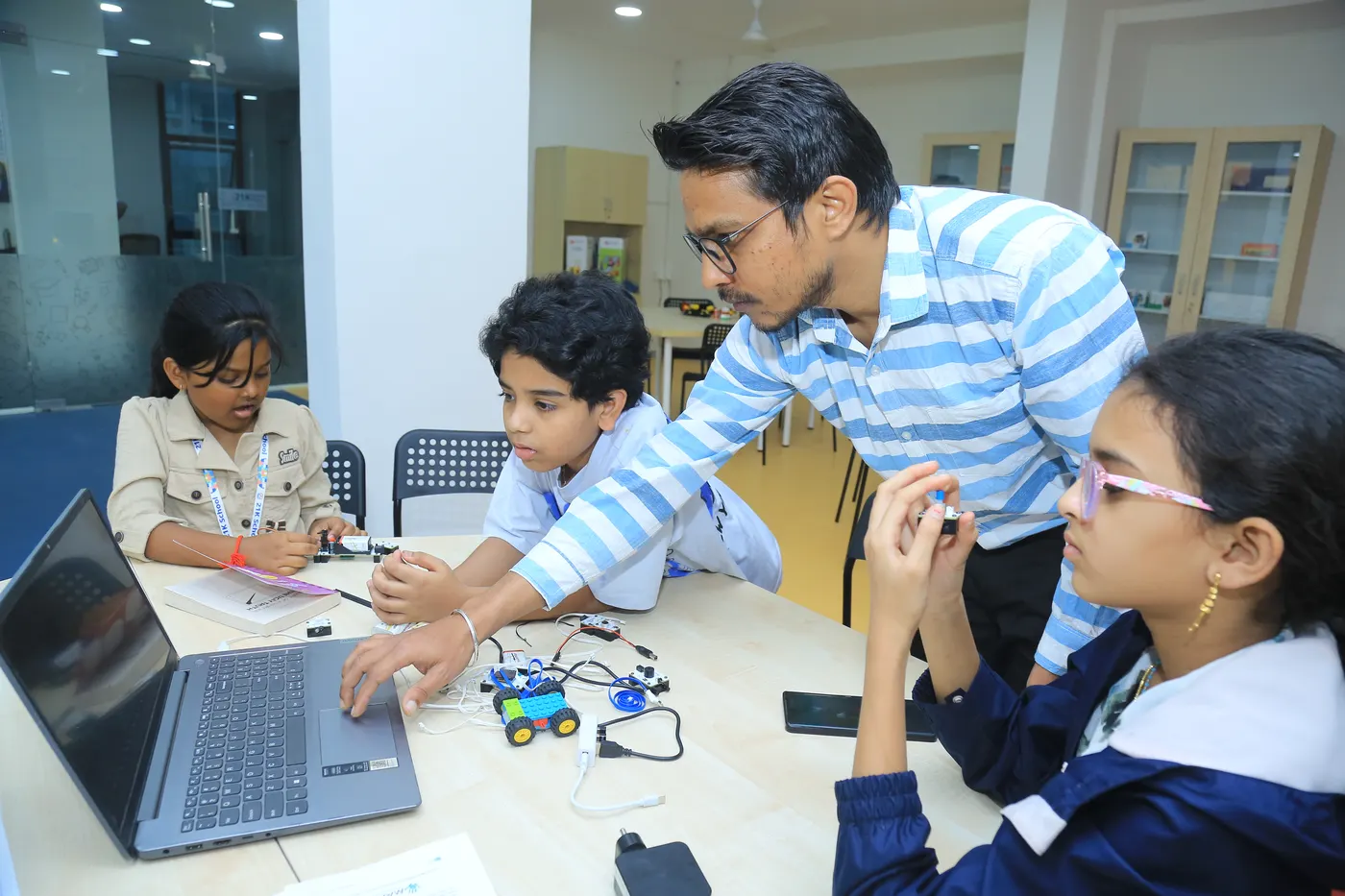
What learners may explore
Projects become more integrated and independent across Starter, Explorer and Builder; examples are illustrative rather than guaranteed.
- 6
Starter
6 sessions
A six-session introduction to interaction, simple models and connected outputs.
Learners may create a Fruit Catcher game, explore Code.org’s AI for Oceans or control an LED remotely. Teachable Machine can introduce image, voice and pose recognition. Tools such as PictoBlox, Thunkable, Scratch or Cognimates may provide further age-appropriate exposure to how inputs influence digital behaviour.
- 12
Explorer
12 sessions
A twelve-session pathway into sensing, recognition, simple apps and physical computing.
Possible work includes video-sensing projects, Snake or Rock–Paper–Scissors games, a remote-controlled fan and an Edublocks drawing assistant. Cognimates projects may explore feelings recognition, text-to-speech, speech-to-text, translation, music or drawing. micro:bit can help connect code to a small physical device.
- 24
Builder
24 sessions
A twenty-four-session pathway for integrated systems and more demanding project decisions.
Learners may develop gesture-controlled games or home-automation ideas; use Thunkable for workout, chatbot or translator apps; and work with Avishkaar on an automated crane or forklift. Cretile examples may include museum-theft alerts, water-level systems, parking aids, voice control, door security, person counters, intruder alerts, garage doors, smart dustbins or feeders.
How the system fits together
Learners trace the full chain from input to action.
A project may include a sensor or data source, code or a trained model, a decision and a physical or digital response. Facilitators help learners question data quality, false results, privacy and whether the chosen technology is appropriate for the problem.
Responsible AI
Current Garage learning focuses on bounded, age-appropriate AI experiences rather than generative-AI use.
Learners are expected to understand that AI outputs can be incomplete or wrong. Activities reinforce testing, attribution, consent and safe handling of images, voice or other personal data. Exact tools may change as platforms and safety requirements evolve.
What learners develop
AI + IoT combines computational thinking with systems awareness.
Learners practise data reasoning, coding, model testing, sensor integration, troubleshooting and responsible decision-making. As projects become more complex, they also document assumptions and explain limitations.
Questions parents ask
What families commonly want to know about AI + IoT.
Does my child need prior coding experience?
Not for Starter. More advanced work requires suitable coding and electronics readiness, assessed before placement.
Is generative AI part of the curriculum?
No. The current curriculum focuses on age-appropriate AI concepts, recognition tools, sensing and connected systems.
Will every learner complete a home-automation project?
No. Home automation is one possible Builder example. Projects depend on the chosen module, readiness, time and equipment.
How do you approach privacy and responsible use?
Facilitators discuss consent, personal data, testing and limitations whenever a project uses images, voice, sensors or AI models.
Which hardware and software are used?
Examples include Teachable Machine, Cognimates, PictoBlox, Thunkable, micro:bit, Avishkaar and Cretile. The selected toolset varies by module.