



Robotics + design
Learners can build simple mechanisms with LEGO SPIKE Essential and model introductory objects in Tinkercad. Projects may include moving builds, rides, games, keychains, cups or basic forms. Staff operate or supervise 3D printers.
Younger learners use visible, age-appropriate projects to connect curiosity with early design, logic, movement and cause-and-effect thinking.
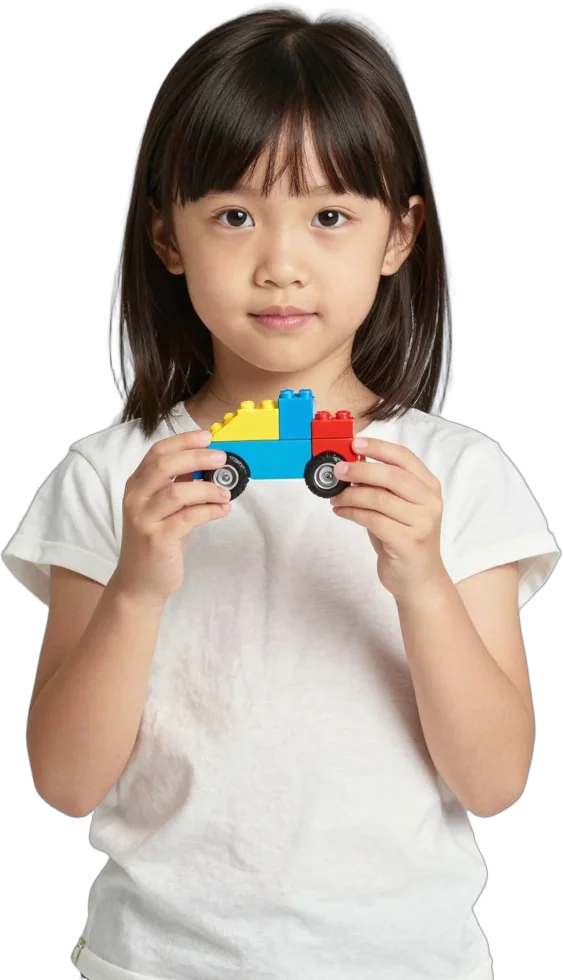
The 5 to 8 range is guidance, not a fixed eligibility boundary.
Before recommending a starting point, the Garage team speaks with the learner and parent. The conversation considers interest, prior exposure, attention, fine-motor confidence, reading ability and comfort with devices. A child may begin with a module outside the usual recommendation when the activity and tools are suitable.
Age 8 also appears in the next browsing group. This overlap is intentional: two children of the same age can have very different experience, confidence and interests.
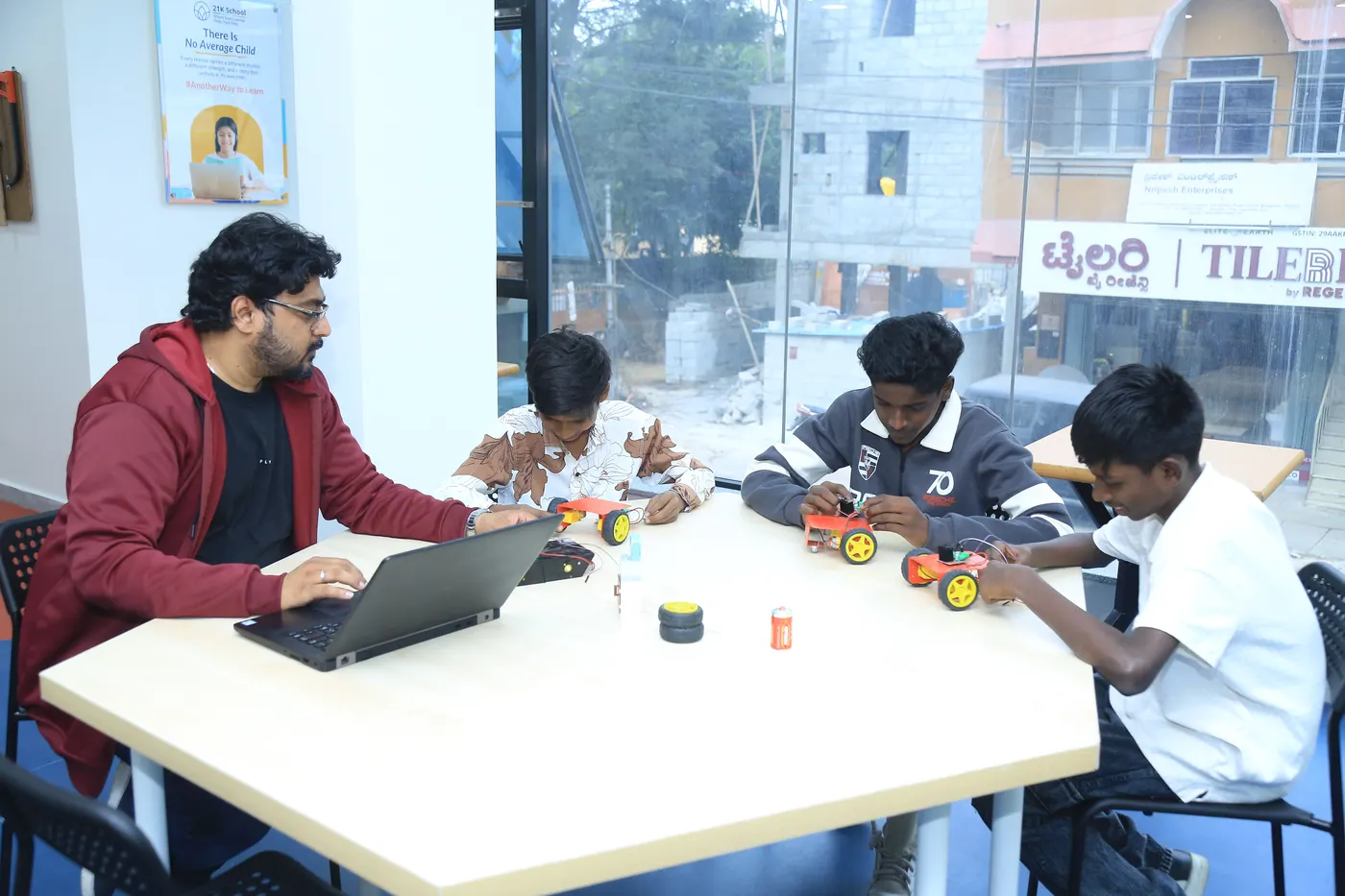
The team adapts the project, tools and degree of guidance without changing the underlying pathway.
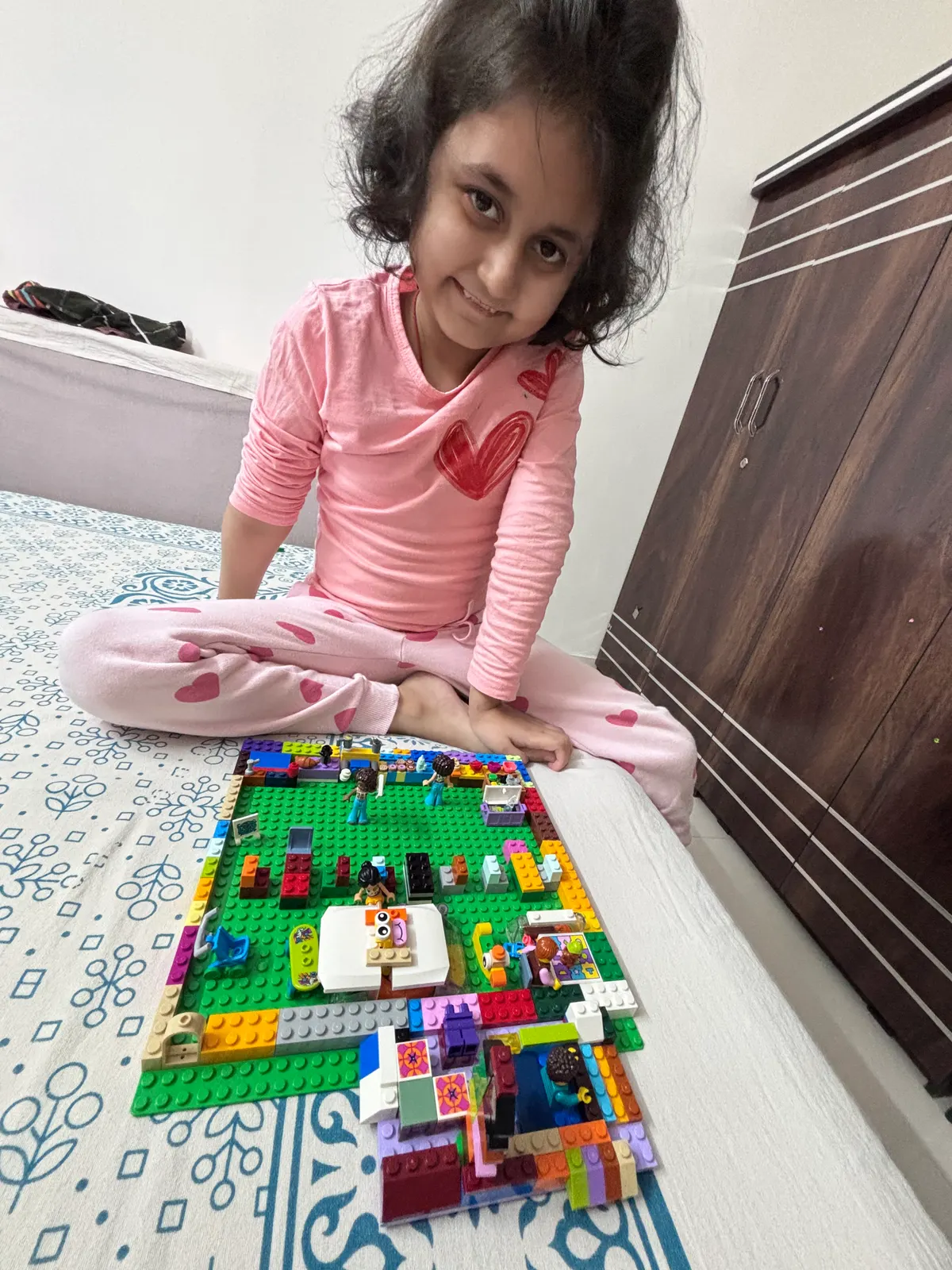
Learners can build simple mechanisms with LEGO SPIKE Essential and model introductory objects in Tinkercad. Projects may include moving builds, rides, games, keychains, cups or basic forms. Staff operate or supervise 3D printers.
Scratch introduces sequences, events, motion, conditions, loops, variables and score-keeping through a first playable game. The emphasis is on making screen time active and creative.
Age-appropriate kits make circuits visible through LEDs, switches, motors and sensors. Learners observe what changes when a component or connection changes.
Introductory projects may use Scratch, Code.org, Teachable Machine or simple connected-device demonstrations. The activity focuses on recognising inputs and responses, not on generative AI.
Tinkering gives a learner room to apply familiar tools in a more open-ended challenge. A formal Capstone comes later, when the learner is ready to plan and own a larger project.
Every 90-minute session moves through explanation, building, testing and a closing demonstration.
An instructor models the safe use of materials, guides the first steps and then gives the child meaningful choices. Heated tools, cutting equipment, electrical work, fabrication and 3D printing remain facilitator-operated or closely supervised.
Starter, Explorer and Builder describe increasing understanding and independence across 6, 12 and 24 sessions. Learners keep permitted digital work, documentation and the applicable certificate; shared kits and most physical builds remain at the Garage.
Direct answers to common questions before you book.
No. The eligibility conversation helps the team select an accessible first module and decide how much guidance the learner will need.
The website uses overlapping guidance at ages 8 and 12 because readiness does not change on a birthday. The team recommends the better page and starting level after speaking with the learner.
Yes, when the project and tools are appropriate. The programme uses age-adjusted activities rather than restricting a pathway by age alone.
No. Standard sessions are 90 minutes. The instructor adjusts the pace, task size and level of support.
Explore the five By interest pages, or book a session for a readiness-based recommendation.
Cookies on 21K School
Essential cookies keep the site working. With your OK we also use analytics and marketing cookies. Privacy policy · Cookie policy