

Parents and kids are always concerned about exams especially when it’s a few weeks away. One important question always arises- How to Download a CBSE Admit Card?
The Central Board of Secondary Education provides admit cards before a few weeks of conducting exams for grade 10th and 12th students. And it is a must to take physical documents to sit for the exam.
As a learner one must prepare days before exams to reduce any kind of lack or delay and admit card is one of the crucial documents.
Here, we will understand every crucial point about how to download CBSE admit cards, common issues, different methods to download and many more!
Table of Contents
How to Download the CBSE Admit Card?
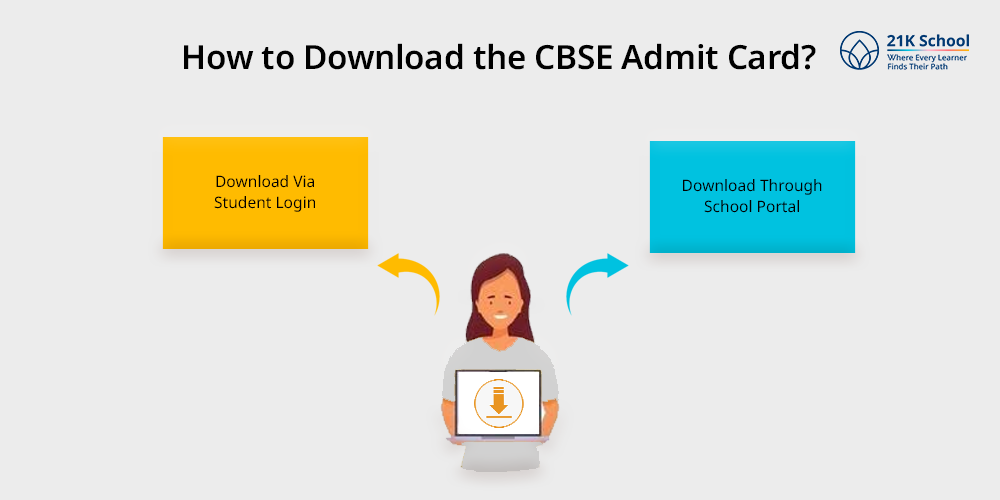
For successful downloading admit cards, regular students can collect the admit card from their respective schools. However, they also have the option to download it online from the official website.
The private students can download the CBSE admit card through the link https://cbseit.in/cbse/web/pvtform/pvtadmcard.aspx
Here are easy steps:
1. Download Via Student Login
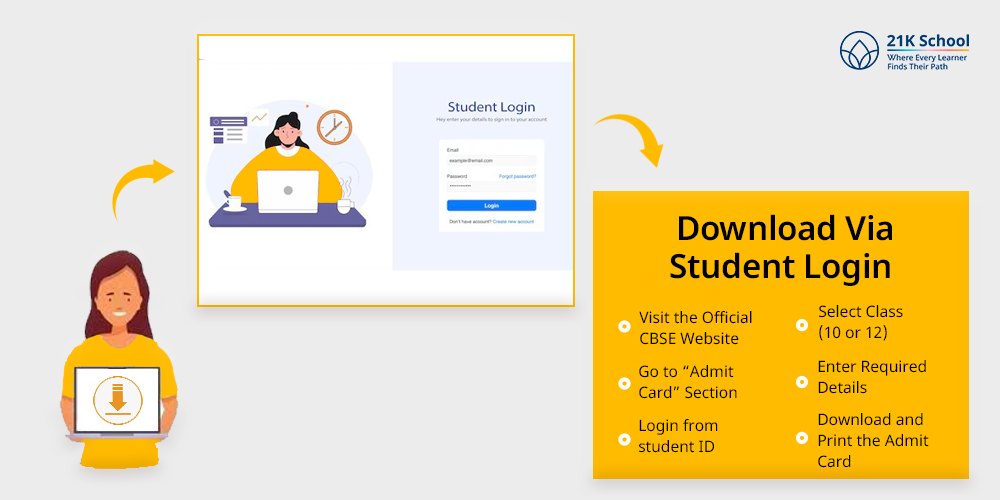
- Visit the Official CBSE Website: Visit the official website of the Central Board of Secondary Education in India. Remember to check the correct site to avoid any consequences.
- Go to “Admit Card” Section. Login from student ID and look for the “Examinations” or “Admit Card” section. Proceed to download admit cards.
- Select Class (10 or 12): Select the option whether you are looking for class 10th or class 12th admit card.
- Enter Required Details: Enter the required details asked to proceed such as Application Number, Date of Birth, and School Number.
- Download and Print the Admit Card: Once everything is verified, wait to display the admit card on the screen. Then click the download button and take multiple copies/printouts for safety.
2. Download Through School Portal
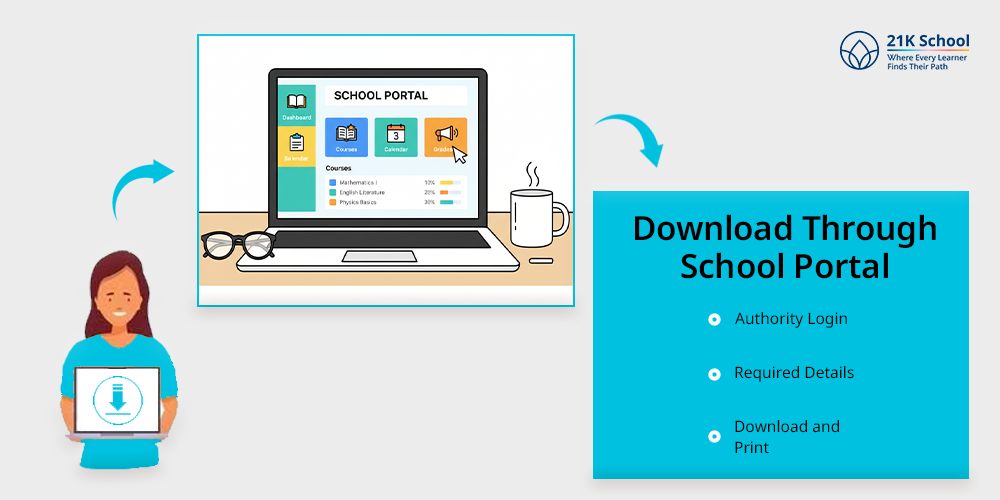
Students who are facing difficulties in downloading the CBSE admit card can also take the help of school authorities to get through their portal:
- Authority Login: School authorities log in through the CBSE-affiliated school portal with their credentials.
- Required Details: They download the particular admit card by taking request information/details from students.
- Download and Print: Remember school provides the admit card after stamping and signature in the admit card for authentication.
Downloading CBSE Admit Card- Essential Details To Know!
As a regular student one must take his or her admit card from school only. But if you are a private candidate and not a regular student, you must download a CBSE admit card from the portal by entering registration number or application number and their date of birth.
1. Documents Required:
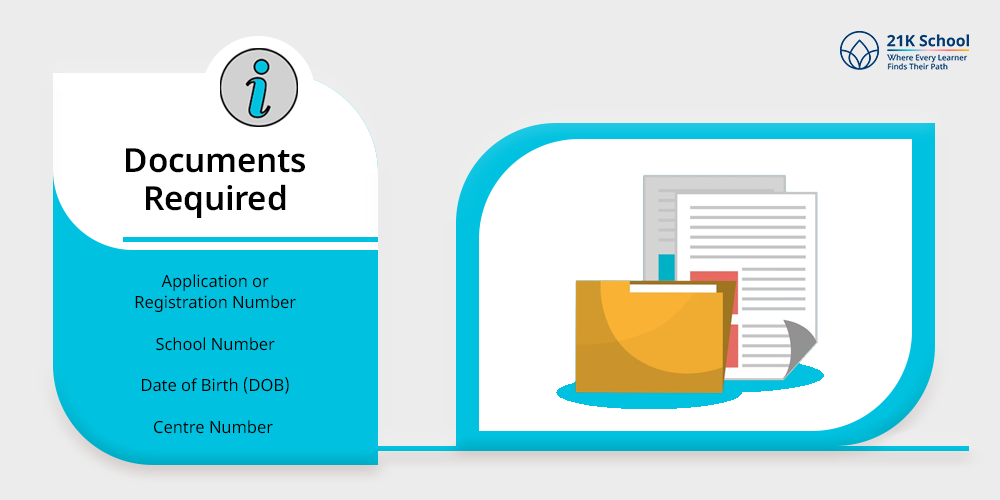
While downloading the CBSE admit card one may need:
- Application or Registration Number (provided by the school during registration)
- School Number
- Date of Birth (DOB)
- Centre Number (optional)
2. CBSE Admit Card Release Timeline 2026
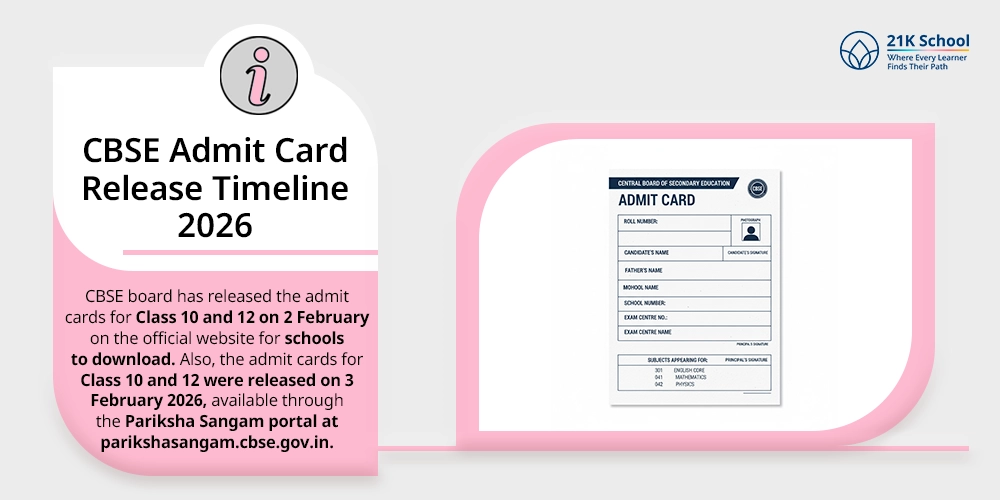
CBSE board has released the admit cards for Class 10 and 12 on 2 February on the official website for schools to download, with students required to collect their hall tickets from their schools.
Also, the admit cards for Class 10 and 12 were released on 3 February 2026, available through the Pariksha Sangam portal at parikshasangam.cbse.gov.in.
Common Issues and Solutions While Downloading Admit Card
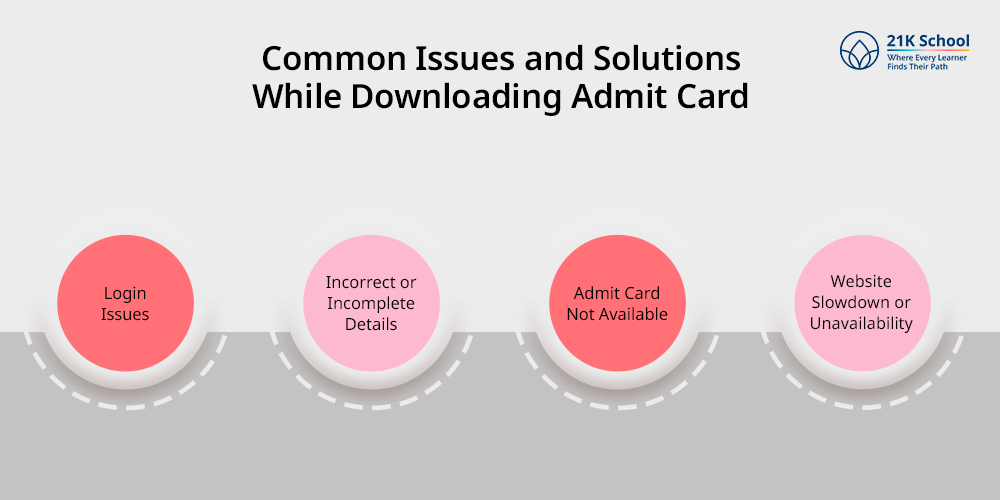
Many times learners face different issues or challenges while downloading CBSE admit cards such as login issues, wrong information entered, technical glitches etc.
Go through some common issues and tips for solution:
1. Login Issues
Learners forgetting their credentials which leads to login issues is one of the most common challenges they face.
They must check with school records or documents for proper credentials. In an emergency connecting with school authority can be the best possible option.
2. Incorrect or Incomplete Details
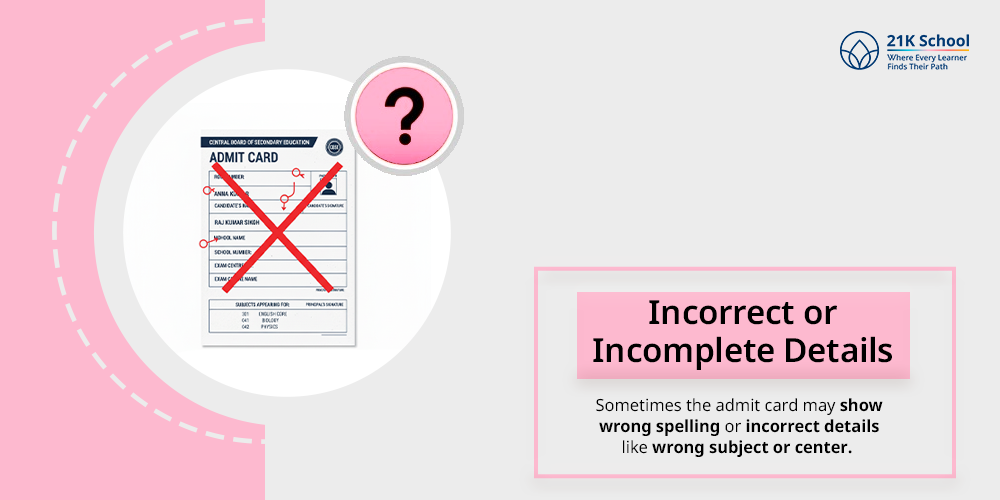
Sometimes the admit card may show wrong spelling or incorrect details like wrong subject or center.
Immediately connect with school authority and express the issue to get help from CBSE board for correction request before exam start.
3. Admit Card Not Available
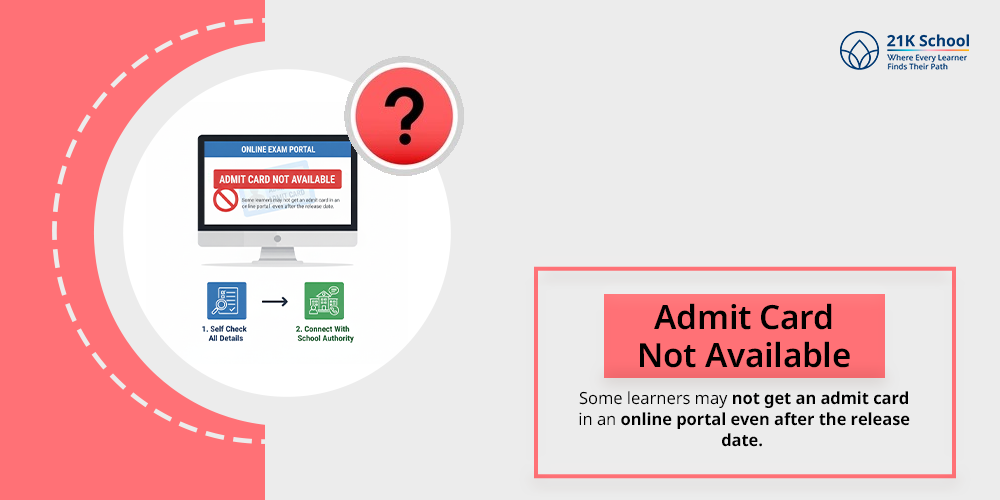
Some learners may not get an admit card in an online portal even after the release date.
To verify first self check all the details if everything is accurate connect with school authority to confirm the registration status.
Due to a lot of traffic on the website it takes time to download due to slowdown.
Learners can look for non peak time such as early morning or late night to successfully download the CBSE admit card.
Conclusion
As the CBSE admit card is a mandatory document for entering the examination hall one must carry it without forgetting.
There are many ways to download it such as by students login portal, or school portal. Remember to follow the mentioned steps/points for smooth downloading.
All the best for your CBSE exams and don’t forget to keep multiple copies while visiting the centre for safety purposes.

You may also want to read