
Electronics: Understand What Happens Inside
Learners move from simple circuits to sensor-based systems, microcontrollers and carefully supervised prototyping.




Why electronics?
Electronics turns invisible ideas—current, resistance, logic and sensing—into outcomes learners can observe and test.
A light switches on, a buzzer responds or a sensor detects change. Each result invites a question: What caused it? What will happen if one component changes? This practical cycle helps learners connect scientific concepts with systematic troubleshooting.
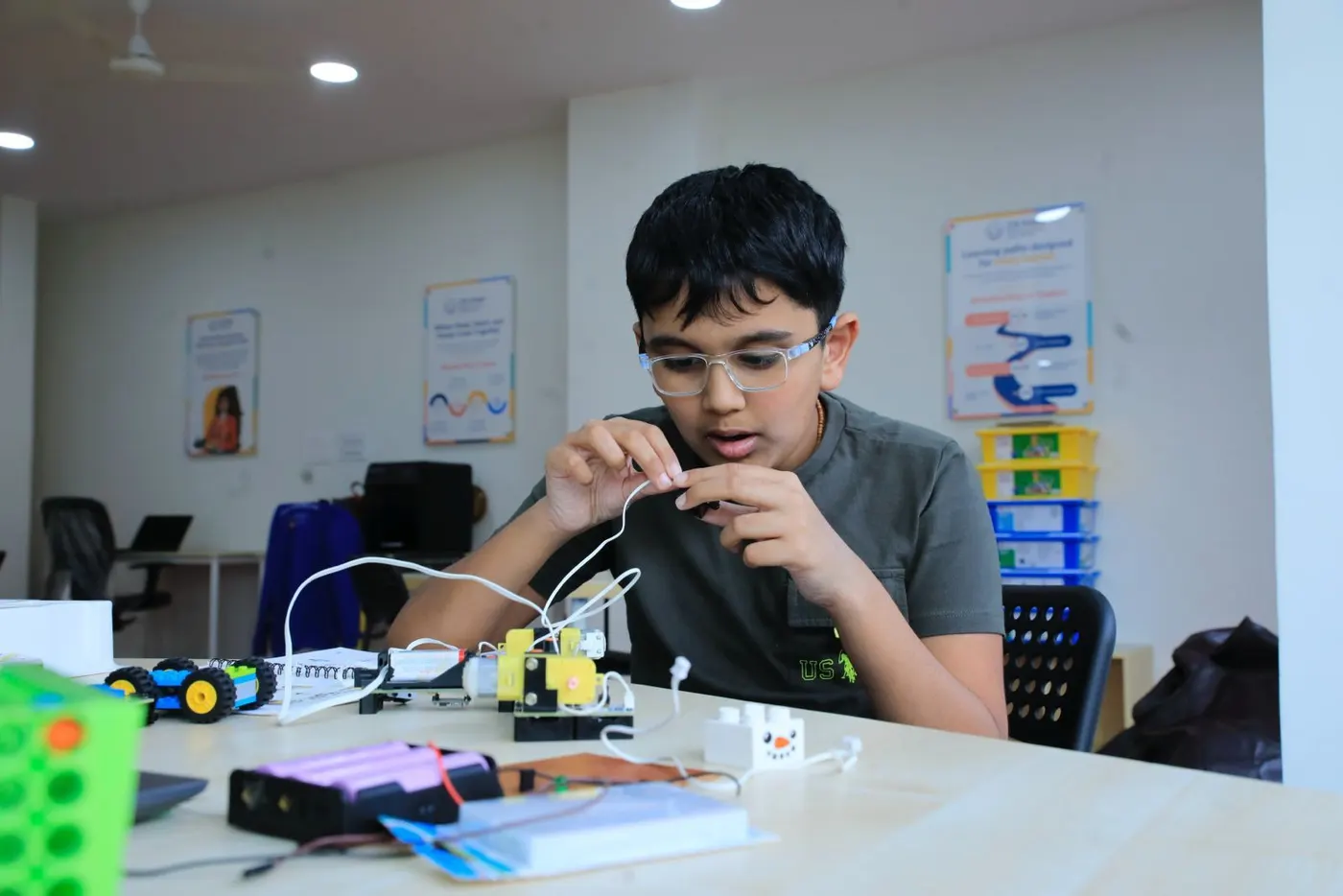
What learners may explore
The curriculum advances from component familiarity to integrated systems; project choices vary by readiness and module.
- 6
Starter
6 sessions
A six-session introduction to components, connections and circuit behaviour.
Learners may begin with LEDs, resistors, capacitors, diodes and potentiometers, then compare series and parallel circuits. Projects can include an LDR refrigerator light, staircase circuit or water-level indicator. RGB lights, motors and music, ball or magnetic sensors may be introduced, alongside systems such as SnapTrix or Cretile.
- 12
Explorer
12 sessions
A twelve-session pathway into timing, sensing, logic and introductory microcontrollers.
Learners may build timer and delay circuits; investigate infrared, magnetic and light sensors; and use AND, OR and NOT logic. Example applications include object, door, motion or vibration alarms and remote-control circuits. Arduino Uno may be introduced through LEDs, buzzers and RGB outputs, with simulation and testing before more complex builds.
- 24
Builder
24 sessions
A twenty-four-session pathway for integrated devices and advanced prototyping.
Cretile work may include line followers, an energy-saving lamp and safety, smoke, flame, tilt or magnetic alarms. Arduino projects may include a motion detector, parking aid, home integration, street lighting, rain sensing or soil-moisture monitoring. Where suitable, learners may also be introduced to soldering, KiCad PCB design and zero-PCB prototyping.
From simulation to live build
Learners use a staged process to reduce errors and build safe working habits.
Tinkercad Circuit Simulator can help learners understand and test a design before using live components. They then assemble, measure, troubleshoot and document changes with facilitator guidance. Not every project uses every tool.
Safety and supervision
Activities are selected according to age, readiness, equipment and risk.
Soldering and PCB work are generally reserved for learners aged 13 or above who demonstrate the required readiness, and they take place only with direct supervision and centre safety procedures. Younger learners work with age-appropriate low-voltage systems and guided components.
What learners develop
Electronics rewards careful observation and disciplined iteration.
Learners practise circuit reasoning, measurement, logical diagnosis, safe tool use, documentation and patience. They learn to isolate a fault, test one change at a time and explain how inputs, processing and outputs work together.
Questions parents ask
Key information before choosing an Electronics module.
Can a beginner join?
Yes. Starter introduces components and connections from the beginning; placement is based on readiness as well as age.
Will learners work with mains electricity?
No. Learner activities use age-appropriate low-voltage systems and are conducted under centre safety procedures.
When are soldering and PCB design introduced?
They are generally considered from age 13, subject to readiness, module selection and direct supervision.
Will my child build every project listed here?
No. These are representative curriculum examples. The actual project set depends on the level, time, equipment and learner progress.
Are materials provided?
Specialist components and shared tools are used at the centre. The booking team will confirm anything a learner must bring.