
Robotics + Design: Build Ideas That Move
Learners combine mechanical construction, coding and visual design to turn an idea into a working model.
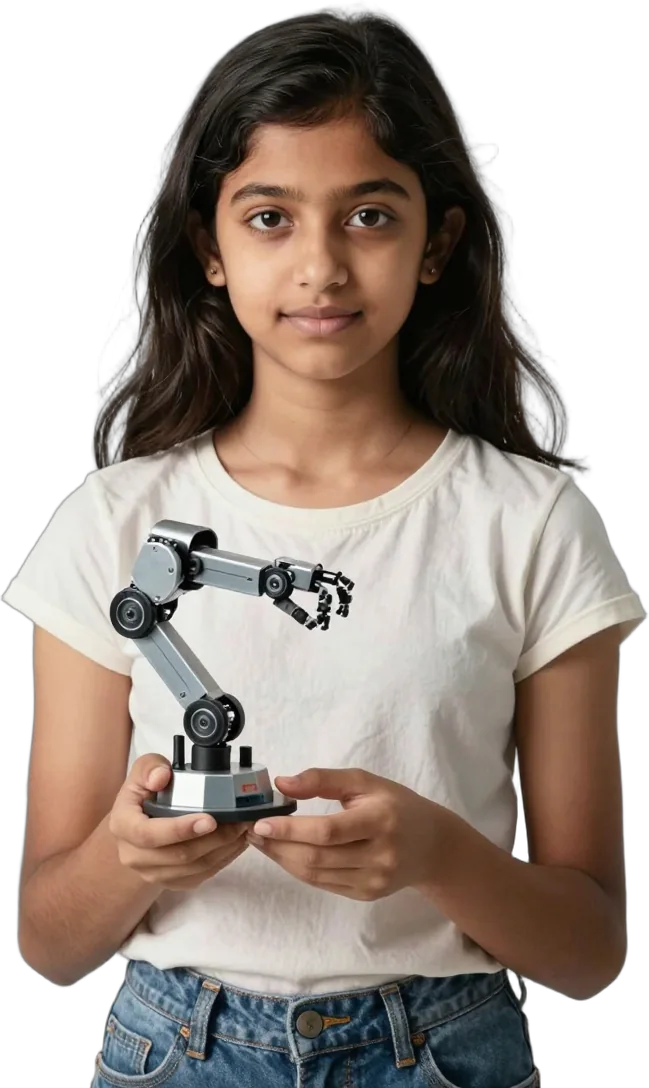



Why robotics and design belong together
Robotics gives young people a visible reason to learn how systems work; design helps them make those systems purposeful, usable and their own.
At the Garage, learners do more than assemble a kit. They investigate a challenge, build a mechanism, program its behaviour, test what happens and refine the result. Alongside robotics, they learn to shape ideas in digital design tools and, where appropriate, prepare models for supervised 3D printing.
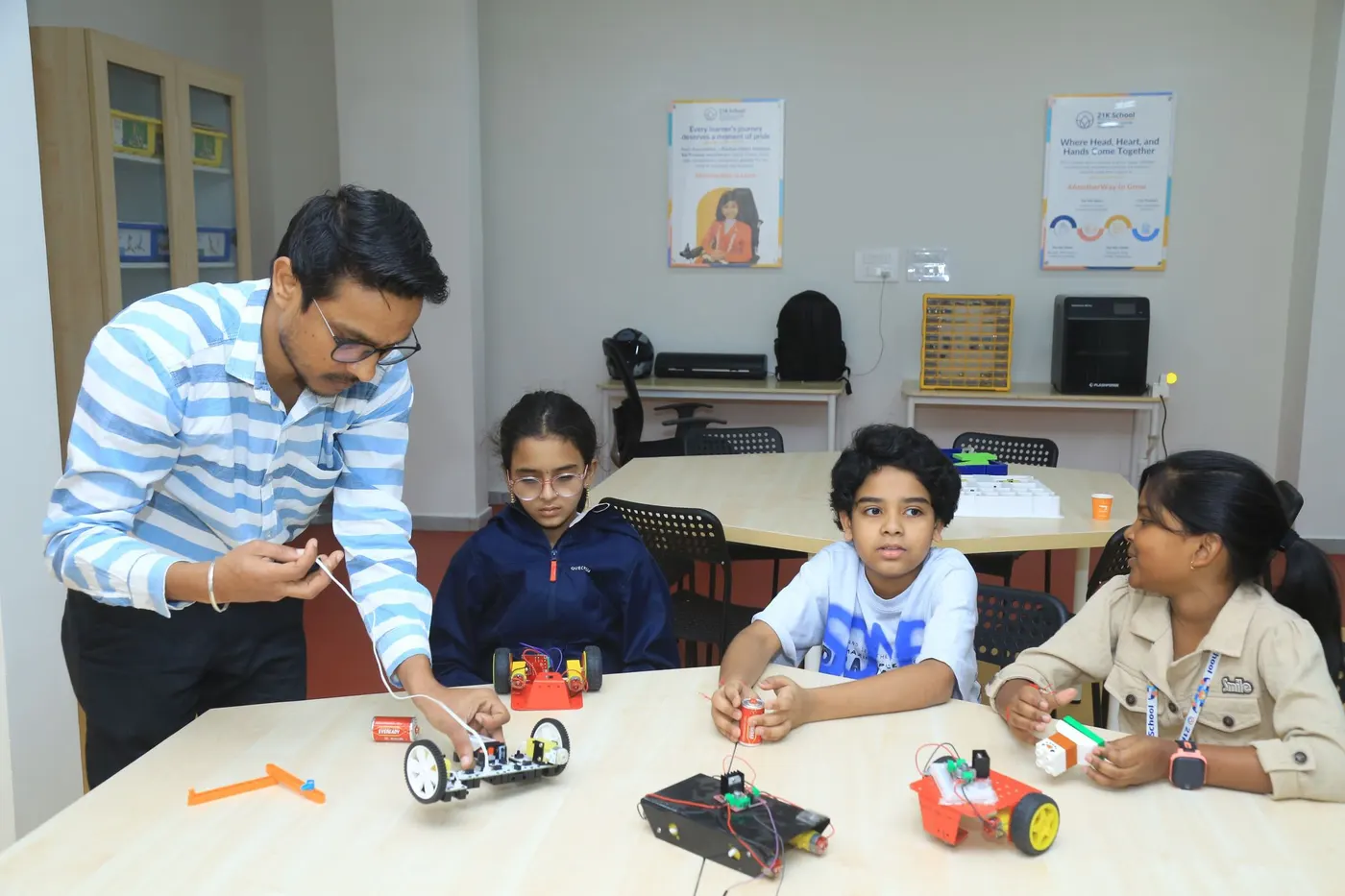
What learners may explore
Projects are selected for the learner’s age, readiness and chosen module; the examples below show the intended progression rather than a guaranteed project list.
- 6
Starter
6 sessions
A guided introduction to building, sequencing and digital modelling.
In a six-session Starter module, learners may use LEGO SPIKE Essential to create projects such as Arctic Ride, Big Bus, Bowling Fun, a spinning Ferris wheel, junior pinball or high-stick hockey. In Design, Tinkercad introduces simple forms and spatial thinking through objects such as a keychain, cup, home, chess pawn or Minecraft-inspired bobblehead.
- 12
Explorer
12 sessions
A longer pathway for stronger mechanisms, more purposeful coding and independent design choices.
Across a twelve-session Explorer module, LEGO SPIKE Prime projects may include a robot hand, Hooper Race, Break Dance, training camps, Brain Game or Kiki the Dog. Tinkercad work can progress to a phone stand, flower pot, gear, castle tower, rocket, mini furniture set or mini robot. Learners are expected to explain choices, diagnose problems and improve their models rather than simply copy steps.
- 24
Builder
24 sessions
An extended pathway for integrated systems and more advanced design tools.
In a twenty-four-session Builder module, learners may progress to the Avishkaar platform for a three-wheel base, obstacle-avoiding robot, line follower, colour sorter or humanoid bot. Arduino Nano or Uno can support projects such as a traffic light, smart toll gate, object detector, Bluetooth-controlled car or robotic gripper. Design work may move from Tinkercad to Blender, beginning with meshes and basic forms before objects such as a chair, table or flower vase and freer independent work.
How the progression works
Tools become more open as learners become more capable.
The robotics sequence can move from LEGO SPIKE Essential to SPIKE Prime, then to Avishkaar and Arduino. Design begins with guided Tinkercad models, progresses to independent product design and may extend to Blender. Placement is based on readiness, not age alone.
3D printing in the Garage
3D printing is a supervised making tool within Design, not a separate course.
Where a module calls for it, a digital model may be prepared and printed under facilitator supervision. Printed models are not normally taken home; the emphasis is on the design process, iteration and safe use of shared equipment.
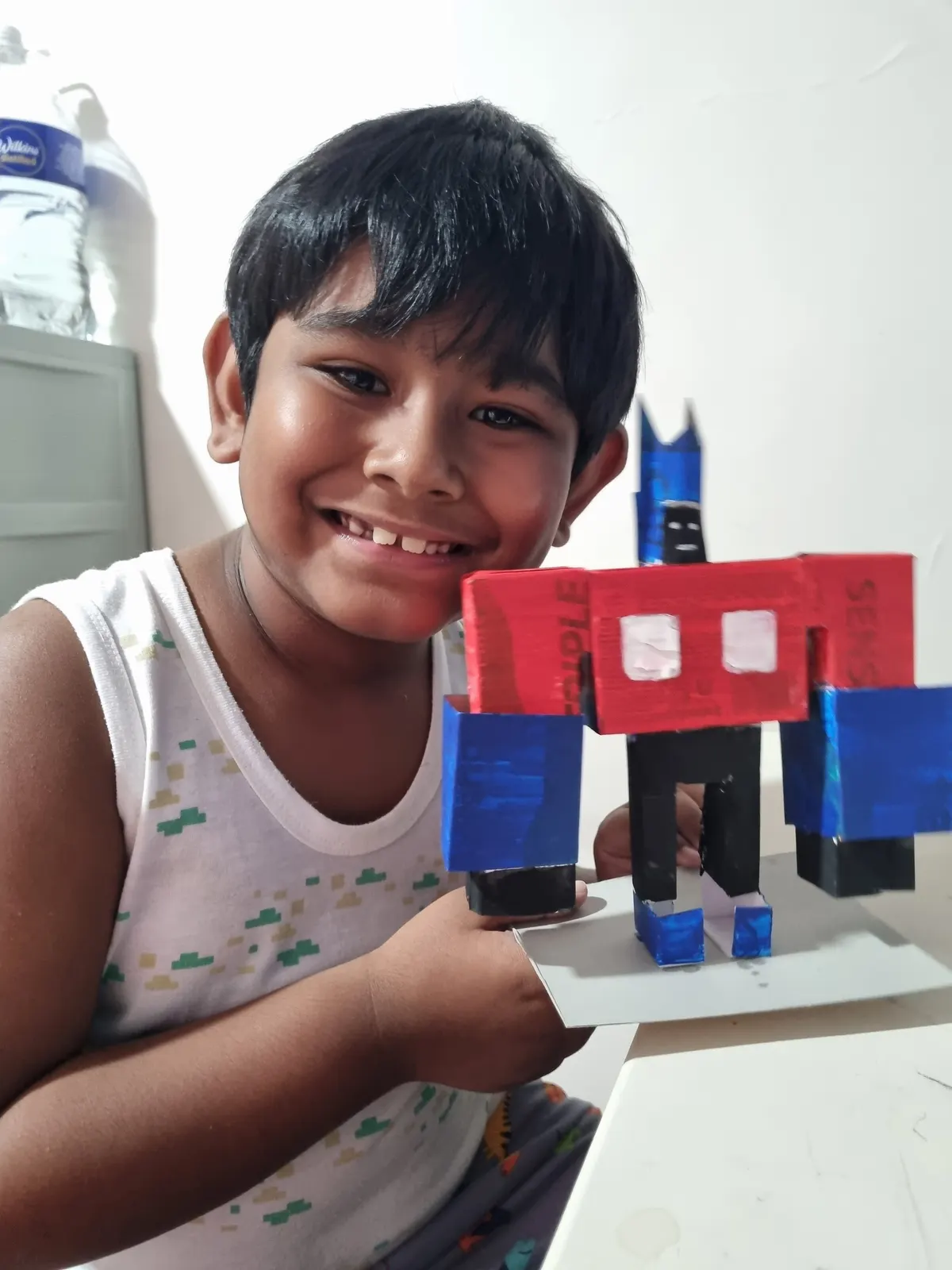
What learners develop
The work builds practical capability as well as habits of mind.
Learners practise spatial reasoning, computational thinking, systems thinking, persistence, documentation and collaboration. They also learn that a first prototype is evidence: it reveals what to change next.
Questions parents ask
Short answers to common questions about the pathway.
Does my child need prior robotics or design experience?
No. The entry point is selected after a readiness conversation or diagnostic, and beginners can start with guided projects.
Will every learner use every platform listed here?
No. Tools and projects depend on the module, learner readiness, equipment availability and centre plan.
Is 3D printing included?
It may be used within suitable Design work under supervision. It is not a standalone pathway and printed objects are not normally taken home.
Does every module end with open tinkering?
Not necessarily. Tinkering may be introduced when learners have sufficient familiarity and time; it is not promised as the ending of every tier.
What should my child bring?
The centre will confirm any device or material requirements when you book. Shared specialist equipment is used on site.